

Auto mode hands your permission prompts to a classifier. Safe edits and commands run without interrupting you; anything destructive or suspicious gets blocked and surfaced. It’s the middle ground between approving every file write and running with --dangerously-skip-permissions.
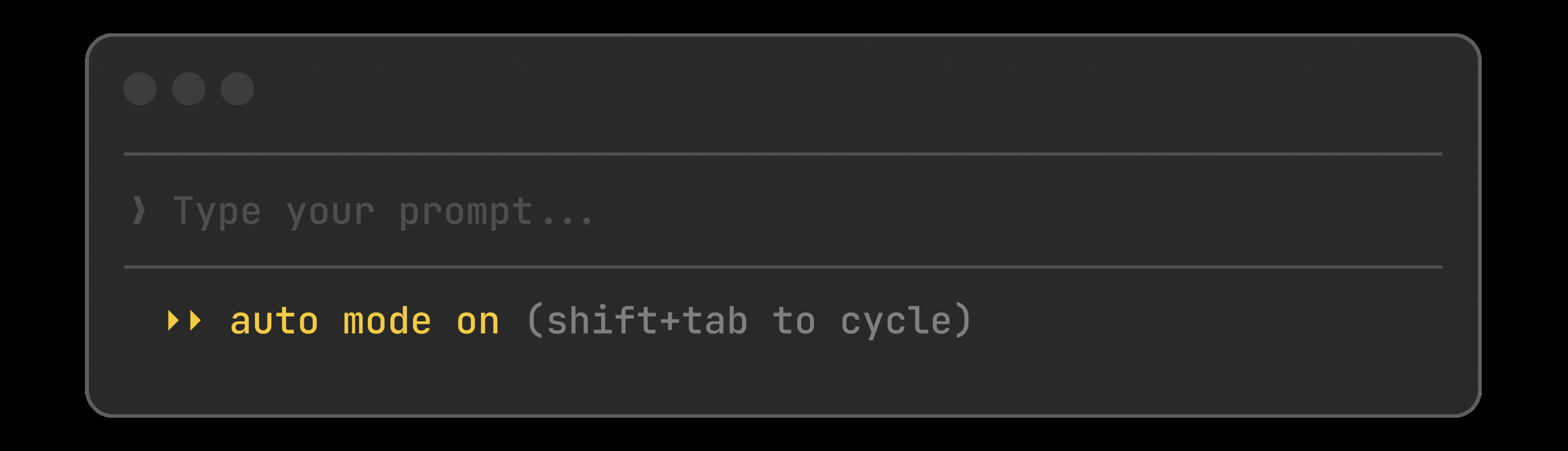
Cycle to auto with Shift+Tab, or set it as your default:
Claude can now control your actual desktop from the Claude Code Desktop app: open native apps, click through the iOS simulator, drive hardware control panels, and verify changes on screen. It’s off by default and asks before each action. Best for the things nothing else can reach: apps without an API, proprietary tools, anything that only exists as a GUI.
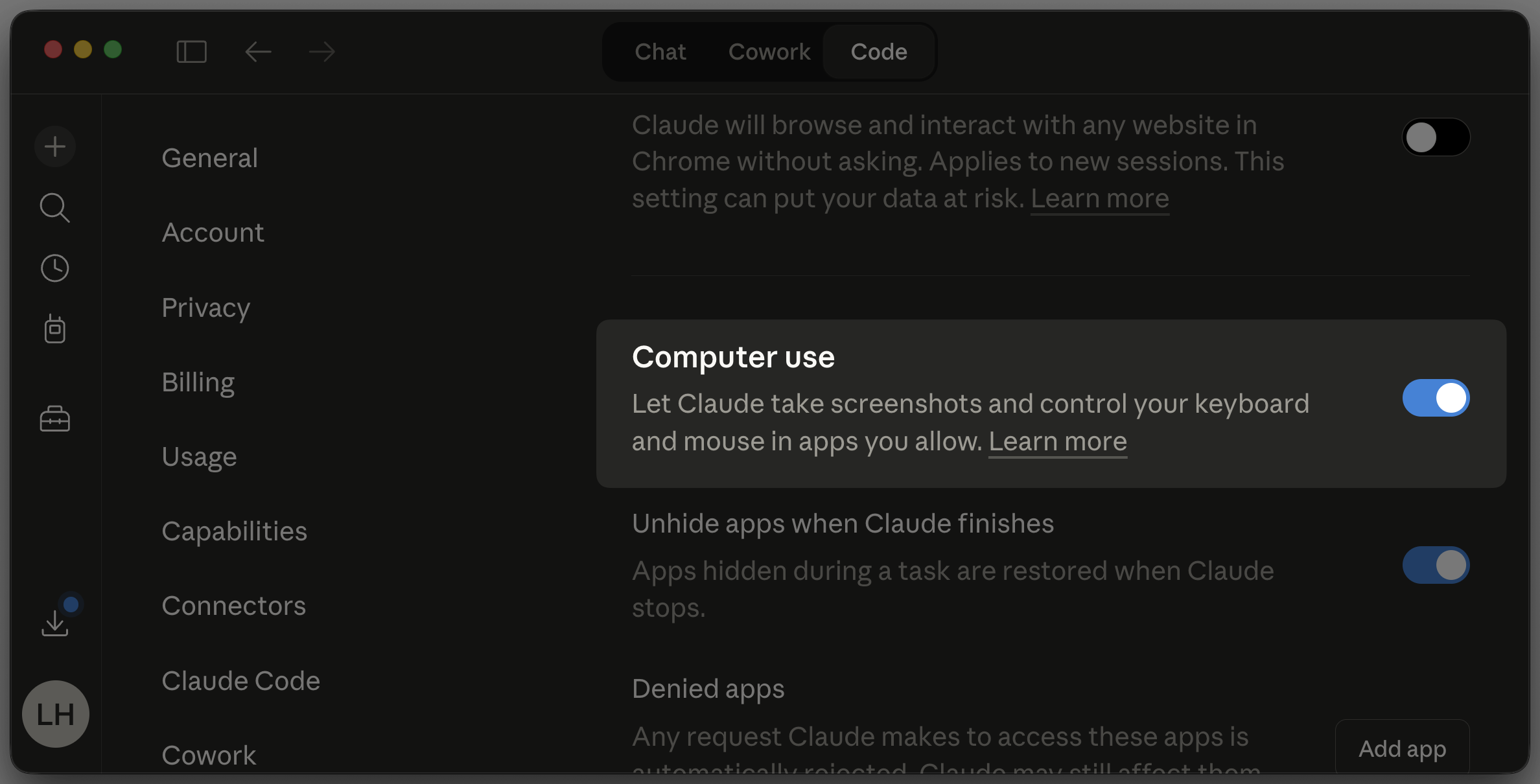
Enable it in Settings, grant the OS permissions, then ask Claude to verify a change end to end:
Flip a switch when you open a PR and walk away. Claude watches CI, fixes the failures, handles the nits, and pushes until it’s green. No more babysitting a PR through six rounds of lint errors.
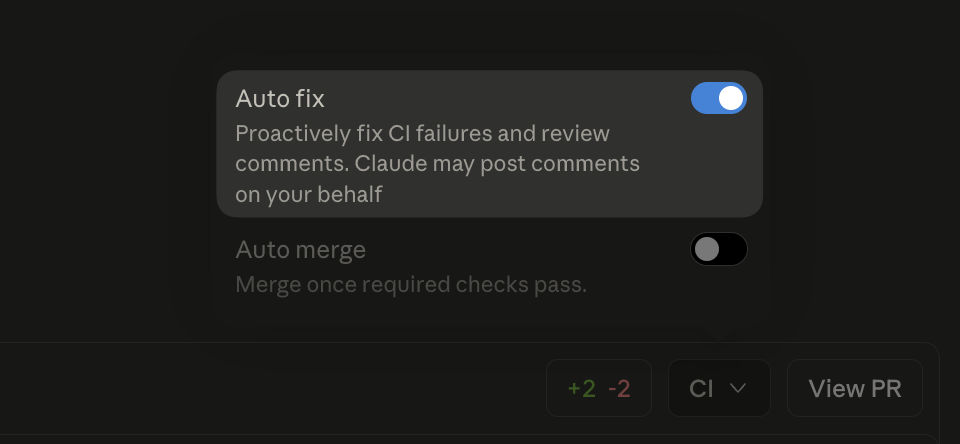
After creating a PR on Claude Code web, toggle Auto fix in the CI panel.
Auto-fix pull requestsPress / in transcript mode to search your conversation. n and N step through matches. Finally a way to find that one Bash command Claude ran 400 messages ago.
Open transcript mode and search:
Windows gets a native PowerShell tool alongside Bash. Claude can run cmdlets, pipe objects, and work with Windows-native paths without translating everything through Git Bash.
Opt in from settings:
Hooks can now declare an if field using permission rule syntax. Your pre-commit check only spawns for Bash(git commit *) instead of every bash call, cutting the process overhead on busy sessions.
Scope a hook to git commits only:
Other wins
userConfig now public: prompt for settings at enable time, keychain-backed secrets[Image #N] chips you can reference positionallymanaged-settings.d/ drop-in directory for layered policy fragmentsCwdChanged and FileChanged hook events for direnv-style setupsinitialPrompt in frontmatter to auto-submit a first turnCtrl+X Ctrl+E opens your external editor, matching readline/status now works while Claude is responding/clear after 75+ minutes away